




























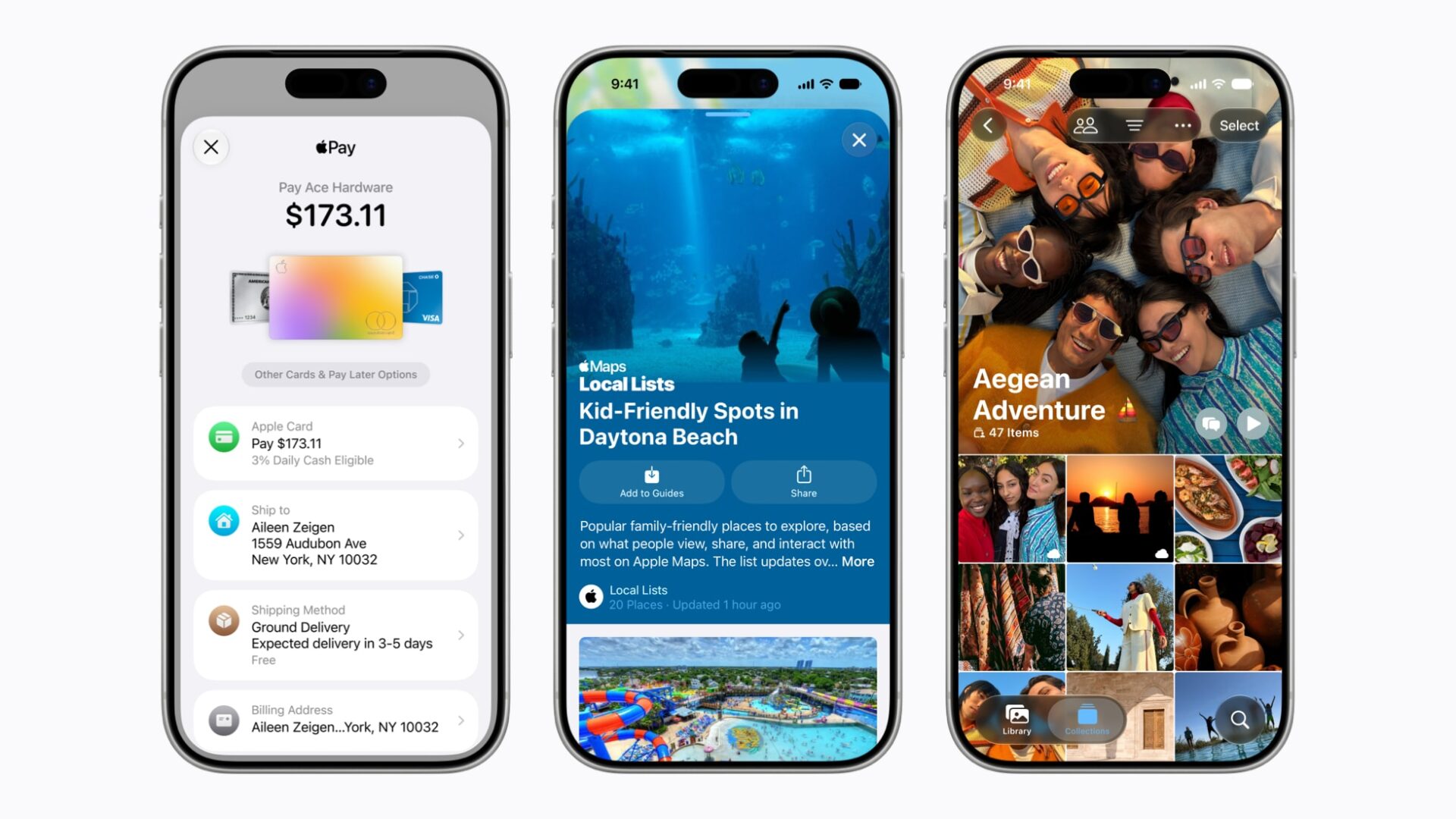
iOS 27 Apple services updates may be the sleeper part of Apple’s next iPhone software wave. The big Siri AI pitch grabbed the WWDC spotlight. But Apple’s own services preview shows everyday upgrades for Maps, Find My, Wallet, Apple Pay, Podcasts, iCloud, Music, and Fitness+.
The theme is simple: Apple wants more small iPhone tasks to stay inside its own apps. That means splitting a dinner bill without opening another payment app. It also means finding a restaurant list without jumping to a social feed, then sharing photos with people who do not own Apple devices.
Wallet gets the most practical trick
The most useful iOS 27 Apple services feature may be Apple Wallet bill splitting. Apple says users in the U.S. will be able to scan a receipt and use Apple Intelligence to identify individual items. From there, they can select who ordered what and calculate each person’s share of tax and tip. Repayment can then happen through Apple Cash in Wallet or Messages.
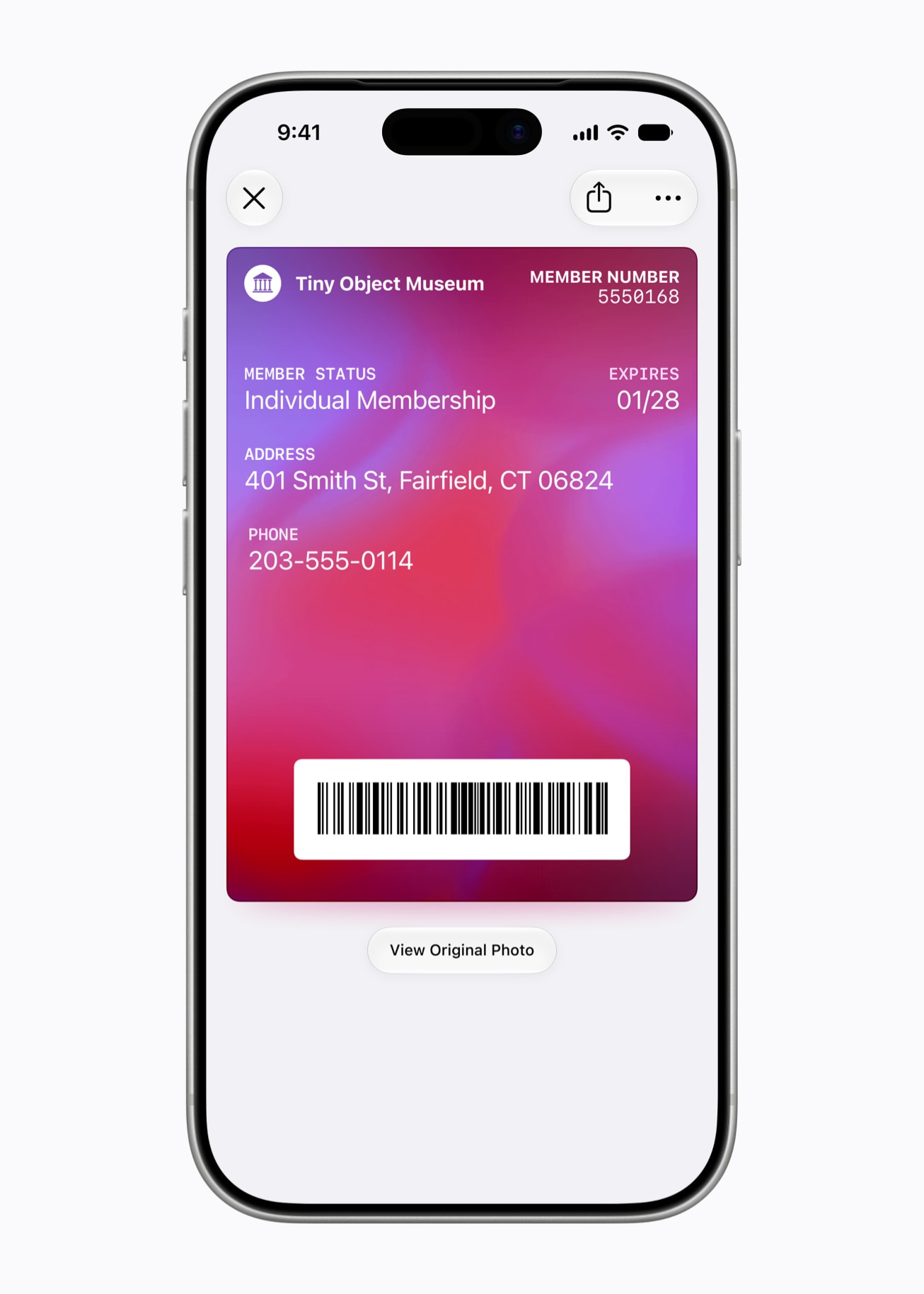
Wallet is also getting smarter pass creation. If a physical loyalty or membership card has a barcode, users can point the iPhone camera at it or scan a digital card and save it to Wallet. Those passes can also appear on Apple Watch, including in the Smart Stack for quicker access.
Maps and Find My get more social
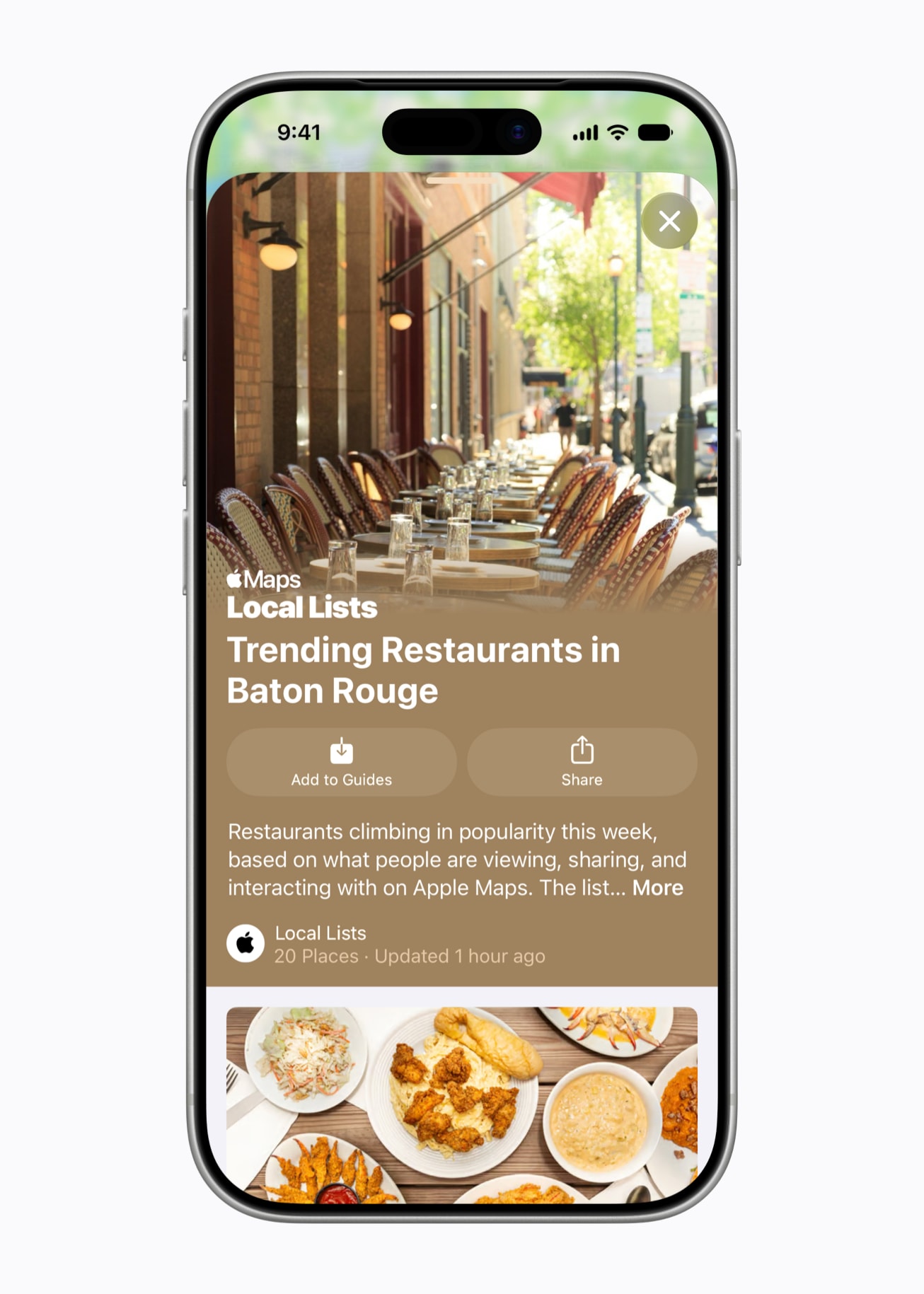
Apple Maps is adding enhanced Flyover imagery and U.S. Local Lists. The Local Lists feature surfaces collections of places, such as trending restaurants or kid-friendly spots, based on Apple insights that the company says are not tied to individual users.
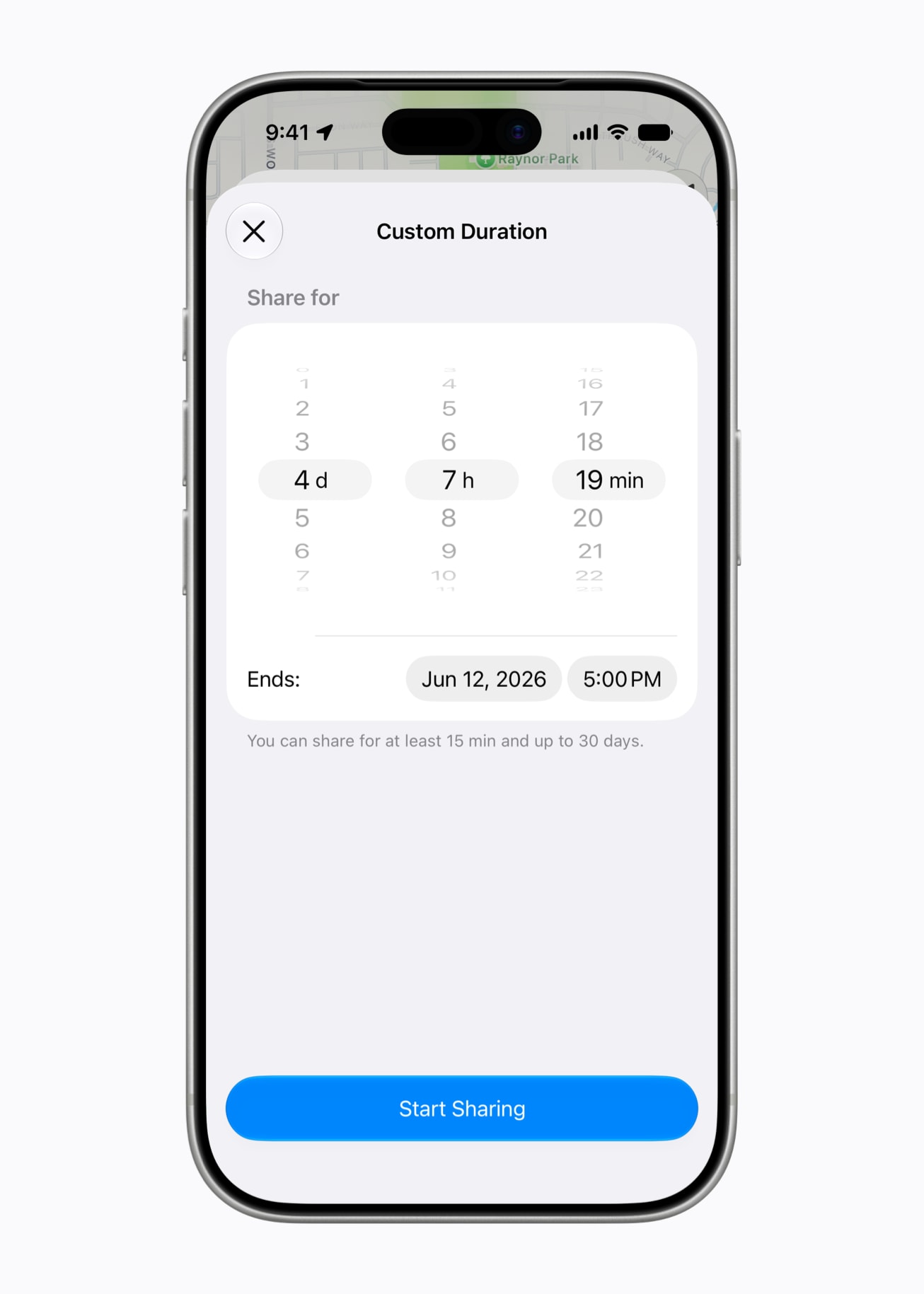
Find My gets better location-sharing controls. Users will be able to share location for a custom number of minutes, hours, or days. They can also set a specific stop date and time. Apple is adding a pause option for individual contacts until the end of the day, which sounds built for surprise parties and gift shopping.
Shared Albums finally gets less Apple-only
iCloud Shared Albums are also getting a meaningful upgrade. Apple says Shared Albums will support full-resolution sharing, more file types, emoji reactions, and improved activity feeds. Temporary albums are coming too, aimed at short-term projects or events. The most important part may be web contribution: people without Apple devices will be able to join and add photos through iCloud.com.
Apple Music gets expanded Lyrics Translation and Pronunciation, plus AutoMix on Apple TV and HomePod. Apple Podcasts adds video podcast support on Mac and Apple TV. It also gets search within a show. Apple Pay checkout is getting a card-switching redesign and more account context, while Tap to Pay gains a Tap to Share flow for participating merchants.
These updates are available now for developer testing through the Apple Developer Program. Apple says a public beta is coming next month through the Apple Beta Software Program. The free software update is due this fall. The company also points readers to its main iOS 27 preview page for the broader release.
The caveat is availability. Apple notes that features can change before release, and some will vary by region, language, device, or local regulation. The bill-splitting feature, for example, is listed as U.S.-only and requires Siri AI on an Apple Intelligence-capable device.
Still, the everyday direction is clear. Apple is not just selling iOS 27 as a new AI layer. It is using that AI layer to make its services feel stickier. That fits the same broader software story we saw with Apple’s Siri AI delay in the EU: the flashiest features matter, but availability and ecosystem control may decide how useful iOS 27 feels on day one.